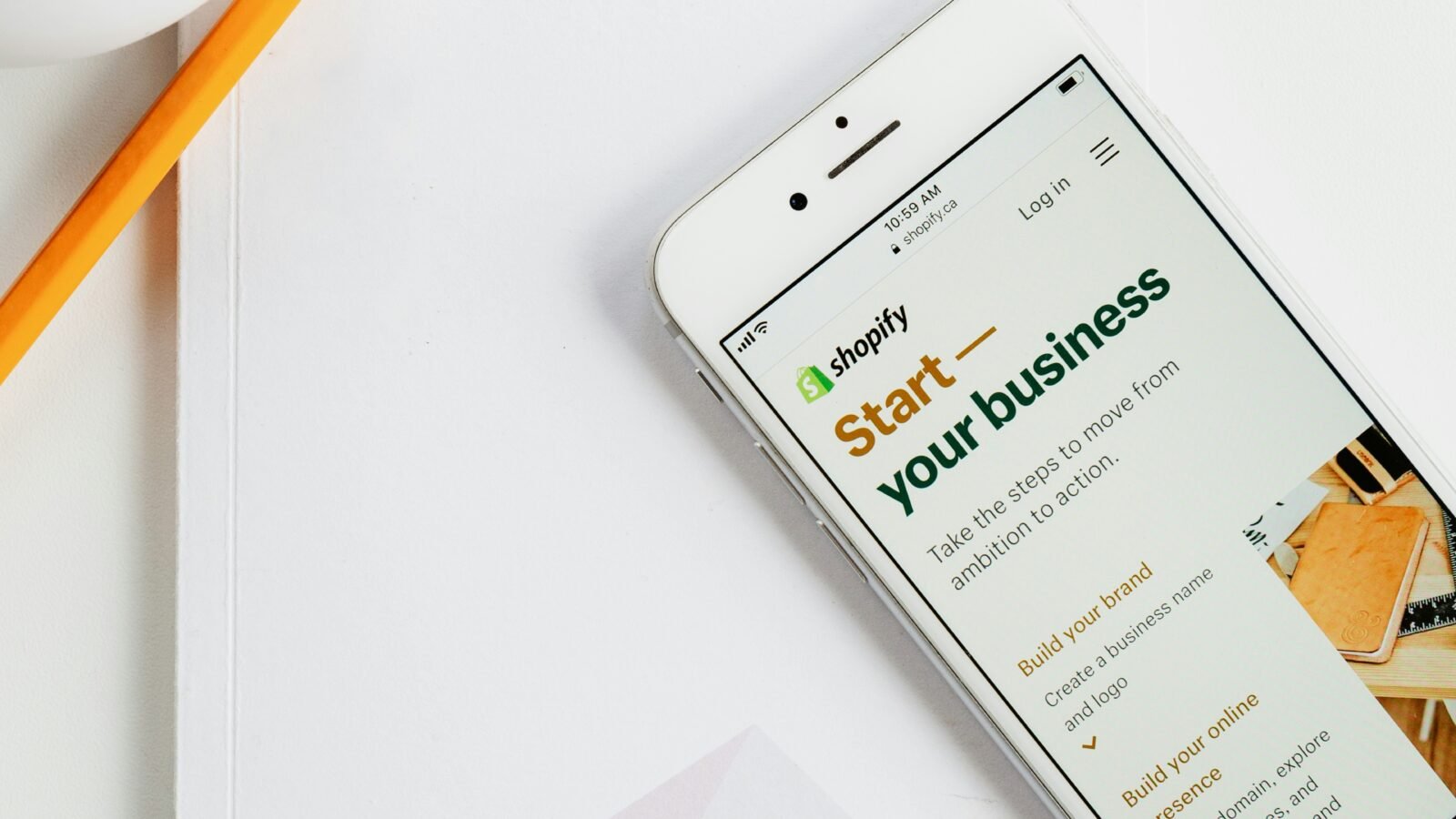
How to Start AI Dropshipping With $1 (Realistically) — Step-By-Step Shopify Guide
An AI-assisted, low-maintenance setup walkthrough built for young professionals building wealth: minimal upfront spend, clear risk controls, and a “do it after work” workflow.
Quick reality check (so you don’t waste your time): AI can reduce setup and admin work. It cannot guarantee sales. You’re still responsible for product selection, compliance, customer support, and ensuring your ads/claims are accurate.
Key takeaways
- AI dropshipping is a systems play: use automation to reduce busywork, then spend your limited time on a few high-leverage actions (one product, one offer, one channel).
- The “$1” claim usually means: a promotional Shopify offer + a low-cost trial for a sourcing/automation tool—offers vary by region and change over time.
- Your biggest risk isn’t tech—it’s refunds, chargebacks, slow shipping, and thin margins if you choose the wrong products or overpay for promotion.
Table of contents
What is AI dropshipping?
AI dropshipping is a modern ecommerce workflow where software automates the repetitive parts of running a dropshipping store: basic storefront setup, product importing, pricing rules, and (in some tools) order fulfillment.
You still don’t hold inventory—when a customer orders, the supplier ships the product to them.
The “AI” part is mainly about speed and automation: building pages faster, generating product copy, and reducing admin work.
Why young professionals try it
If you’re building wealth while juggling work, relationships, and life costs, your constraint isn’t ambition—it’s consistency.
AI dropshipping appeals because it’s designed to lower the “setup friction” and compress the time-to-launch.
- Low upfront testing cost: try the workflow before committing to a long subscription.
- Time-box friendly: you can execute a clean MVP in a single evening and refine it on weekends.
- Skill-building: product positioning, landing pages, and simple marketing are transferable skills.
Step-by-step: build an AI-assisted Shopify store on a minimal budget
Important: Promotions change. Shopify’s “$1/month” offer varies by region and timing, and third-party tool trials change as well. Confirm pricing before you commit.
Step 1: Pick a niche you can actually market after work
The simplest way to stay consistent is to pick a niche where you can write product angles without researching for hours.
In the referenced build, the niche was sports & fitness—broad demand and plenty of “problem/solution” products (comfort, training, recovery).
Keep it tight: your store should feel like “one aisle in a store,” not a random warehouse. That clarity improves conversion and reduces support issues.
Step 2: Use an AI store builder to generate the first draft
Tools like Build Your Store (used in the video) can generate a starter theme, banners, navigation, and basic store structure quickly—so you’re not stuck on design decisions.
- Pick banners that match what you’ll actually sell (avoid confusing “generic sports collage” headers).
- Keep the homepage simple: one primary CTA (shop new arrivals) and a short trust strip (shipping/support/returns).
Step 3: Start a Shopify trial / promotional plan
Shopify typically offers a free trial and, at times, a low-cost introductory period (often advertised as $1/month for a limited time).
Availability and terms can vary by region.
Step 4: Add an automation tool for product importing + order handling
In the workflow demonstrated, AutoDS was used to import “winning products,” apply pricing rules, and automate fulfillment.
AutoDS currently advertises a low-cost trial (commonly shown as a $1 trial), but the exact duration/offer can change.
Step 5: Publish the store (and make two critical edits)
- Remove password protection so customers can access the store.
- Fix your policies + contact info (returns, shipping timelines, email, business address if applicable). This reduces chargebacks and “where is my order?” tickets.
Step 6: Domain choice (optional, don’t over-index)
A clean domain can improve trust. Some marketing materials and coverage cite a study suggesting .store domains may see higher traffic/visibility versus .com in certain contexts, but you should treat this as directional—not a guarantee for your store.
Product examples that fit this strategy (and why)
Early on, you’re not building “the perfect catalog.” You’re testing one product angle with clean creative and a credible offer.
The example store used products like:
- Breathing trainer (clear demonstration product; easy for influencers to show in 5–10 seconds)
- Resistance bands (evergreen; broad appeal)
- Golf club bag clips (specific use-case; higher intent)
- Thermal jogging hat (seasonal demand)
A common baseline markup mentioned in the video was ~2x to 2.5x product cost (before marketing), which can yield single-digit dollar profit per order at small scale.
| What you want | What to look for | What to avoid |
|---|---|---|
| Fewer refunds | Simple sizing, durable materials, clear usage | Complicated sizing charts, “too good to be true” claims |
| Faster support | Products you can explain in 2 sentences | Tech gadgets with setup issues |
| Better margin | Impulse-price range + perceived value | Low-margin commodities where ads eat the profit |
How to promote your store without a huge ad budget
If you’re working a full-time job, you want marketing that’s simple, trackable, and not emotionally draining.
The example strategy used micro-influencers (roughly 10k–50k followers) to post a short story/video with a link to a single product.
The “one product, one creator, one offer” launch plan
- Pick one hero product with a clear demo (breathing trainer worked well in the example).
- Give the creator a simple script: problem → product in action → direct CTA.
- Track one thing: clicks to the product page and completed checkouts (don’t drown in metrics).
- Only expand after proof: if you can’t get sales on one product, scaling the catalog won’t fix it.
A realistic first-week budget & the math
Here’s a simplified version of the first-sales math shown in the video case study—use it as a template, not a promise.
In the example, 10 customer purchases (excluding two test orders) produced $170.85 revenue, with total costs of $90.50 and net profit of $80.35.
| Line item | Example amount | Notes |
|---|---|---|
| Influencer spend | $50 | One micro-influencer post/story |
| Product + shipping cost | $39.50 | Depends heavily on supplier and destination |
| Platform/tools | ~$1 | Promo periods vary; confirm current offers first |
| Net | $80.35 | Outcome from the referenced test, not guaranteed |
Not financial advice. Dropshipping results vary widely based on product selection, shipping times, customer support quality, ad creative, and platform policy compliance.
Risks (the part most “$1 side hustle” posts skip)
- Refund/chargeback risk: unclear shipping timelines and poor product quality can wipe out profits quickly.
- Policy compliance: avoid exaggerated health/performance claims (especially in fitness categories).
- Margin pressure: small-ticket items can look profitable until you pay for traffic.
- Support load: even with automation, you still answer customers and resolve issues.
The best “busy professional” protection is a tight catalog, honest shipping expectations, and starting with one product you can confidently support.
Ready to test AI dropshipping the smart way?
Keep it simple: one niche, one product, one creator, one week. If it can’t prove itself small, it won’t scale clean.
Tip: Before you spend on promotion, confirm current Shopify and tool trial pricing in your region.
FAQs about AI dropshipping
Is AI dropshipping profitable?
It can be, but it’s not automatic. Automation reduces setup and admin work; profitability depends on product-market fit, shipping reliability, customer experience, and paid or organic distribution.
Can I really start with $1?
Sometimes you can get close if a platform promo and a tool trial are active. In practice, most people still spend on a domain, samples, creative, or promotion—so think of “$1” as “minimal platform cost,” not “no cost.”
What’s the best AI dropshipping tool stack for beginners?
A common stack is Shopify + an automation/sourcing tool (like AutoDS) + a simple creative workflow (micro-influencers or short-form content). Start with tools that reduce repetitive work and don’t lock you into complex setups.
How do I reduce refunds and chargebacks?
Be conservative with delivery timelines, avoid exaggerated claims, sell products with low “fit risk” (simple sizing/usage), and respond quickly to customer messages. Consider ordering samples before scaling promotion.
Sources
-
Video (primary):
I Tried AI Dropshipping For 7 Days, Here’s How You Can Copy Me (YouTube)
-
Build Your Store (official site referenced in the video description): Get a FREE AI Shopify store in minutes
-
AutoDS pricing (official):
Dropshipping growth made easy
-
Shopify free trial offer (official):
START SELLING WITH SHOPIFY TODAY